
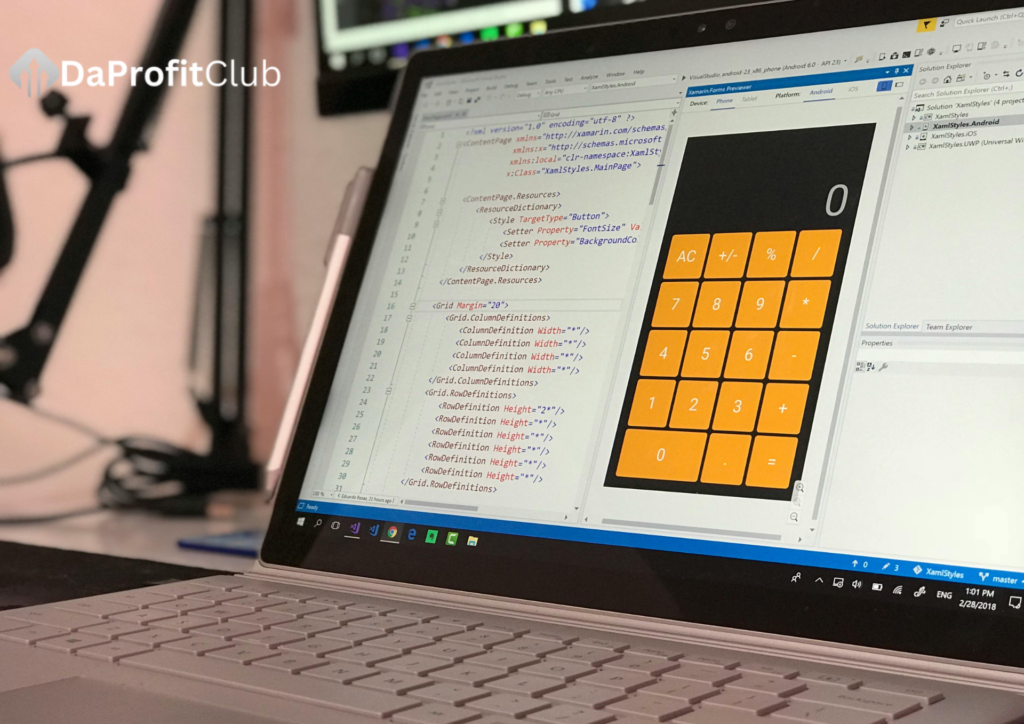

Why Calculator Web Apps Are Revolutionizing Digital Math
Modern web-based calculators have evolved far beyond simple arithmetic. These powerful tools now offer:
- Advanced scientific functions once requiring $100+ hardware
- Real-time collaboration for team problem solving
- Cloud storage of calculation histories
- Cross-platform accessibility from any device
- Specialized functions for finance, engineering, and data science
Getting Started: Navigation Essentials
Core Interface Elements
- Input Display – Where your calculations appear
- Virtual Keypad – On-screen buttons (often customizable)
- Function Library – Advanced operations dropdown
- Memory Banks – Store/recall values (M+, M-, MR)
- Theme Selector – Switch between light/dark modes
Pro Tip: Most web calculators support keyboard input for faster entry
Essential Skills for All Users
Basic Operations Mastery
| Shortcut | Action |
|---|---|
/ | Division |
* | Multiplication |
^ | Exponents |
% | Percentage |
( ) | Parentheses grouping |
Memory Function Techniques
- Store a value: Calculate → “MS” (Memory Store)
- Recall: “MR” inserts stored value
- Add to memory: Calculate → “M+”
- Clear memory: “MC”
Example: Calculate (12×3)+(12×7) faster:
12×3= [MS]
12×7= [M+]
[MR] shows 120
Advanced Functionality Breakdown
Scientific Calculations
| Function | Web App Equivalent |
|---|---|
| Trigonometry | sin/cos/tan buttons |
| Logarithms | log/ln buttons |
| Constants | π, e, φ buttons |
| Roots | √ or x^(1/y) |
Graphing Capabilities
- Equation entry: y= field
- View controls: Zoom, pan, trace
- Multiple graphs: Add new equations
- Export options: PNG/SVG download
Case Study: Graphing y=sin(x^2) reveals fractal-like wave patterns
Specialized Calculator Types
Financial Calculators
- TVM Solver: Loan payments, interest rates
- Amortization Tables: Payment breakdowns
- NPV/IRR: Investment analysis
Programming Calculators
- Base conversions: DEC/HEX/BIN
- Bitwise operations: AND/OR/XOR
- ASCII lookup: Char-code conversion
Statistical Calculators
- Regression analysis: Linear/log models
- Distributions: Normal, Poisson
- Hypothesis testing: t-tests, χ²
Collaboration Features
Real-Time Sharing
- Generate shareable link
- Set permissions (view/edit)
- Collaborate with team members
- Track change history
Business Use Case: Accounting teams verifying complex fiscal calculations
Mobile Optimization Tips
- PWA Installation: Add to home screen
- Keyboard shortcuts: Swipe gestures
- Offline Mode: Check cache settings
- Voice input: “Calculate 45% of 380”
Security Best Practices
- Verify HTTPS encryption
- Clear history after sensitive calculations
- Avoid storing financial data
- Check permissions for shared calcs
Top 5 Web Calculator Apps
| Name | Best For | Unique Feature |
|---|---|---|
| Desmos | Graphing | Collaborative whiteboard |
| Calculator.net | General | 100+ specialized calcs |
| GeoGebra | STEM | Dynamic geometry |
| WolframAlpha | Advanced | Natural language input |
| Financial-Calculators | Business | IRS-compliant formulas |
Future of Web Calculators
- AI integration: “Explain this calculation”
- AR interfaces: Project calculations in 3D space
- Blockchain verification: Tamper-proof math logs
- Voice assistants: “Hey Calc, solve 2x+5=15”
FAQs
Q: Are web calculators as accurate as physical ones?
A: More accurate – they use 64-bit floating point vs hardware’s 10-12 digit precision
Q: Can I use these offline?
A: Progressive Web Apps (PWAs) like Calculator.net work offline after first load
Q: How do I share complex equations?
A: Most export as LaTeX, PNG, or shareable links
Q: Are there calculator web apps for niche fields?
A: Yes – from actuarial science to cannabis dosing calculations